The mechanical t.
A small machine, held in glass.
Explore the form and follow the light.
The original movie is available.
About the reconstruction & controls
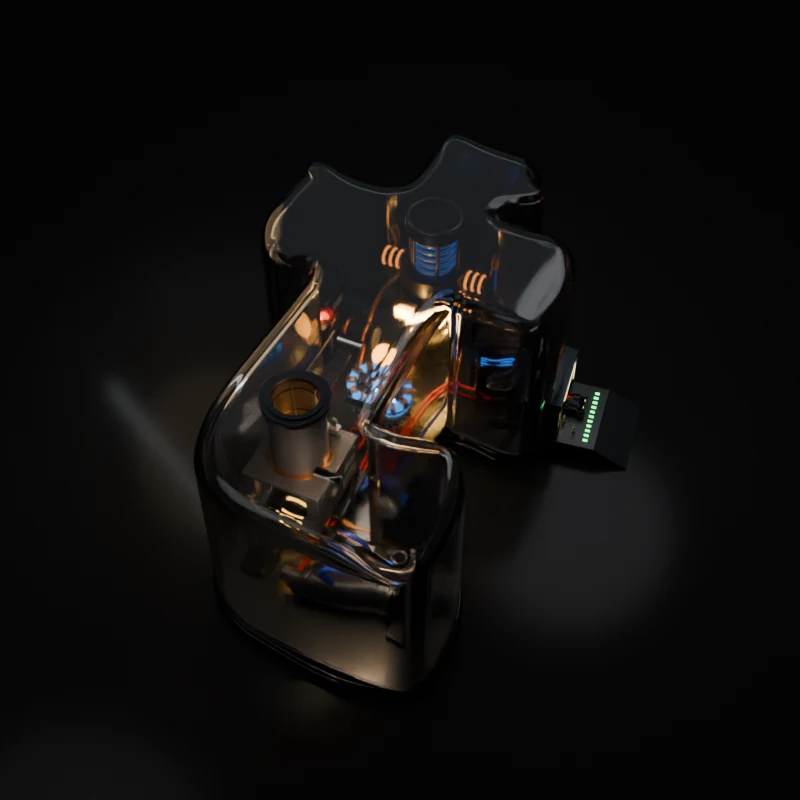
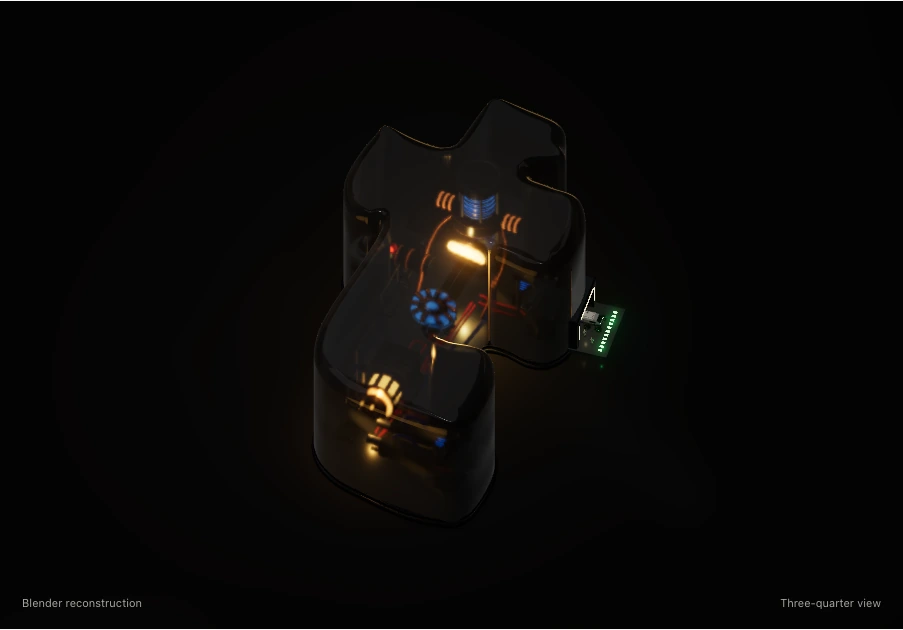
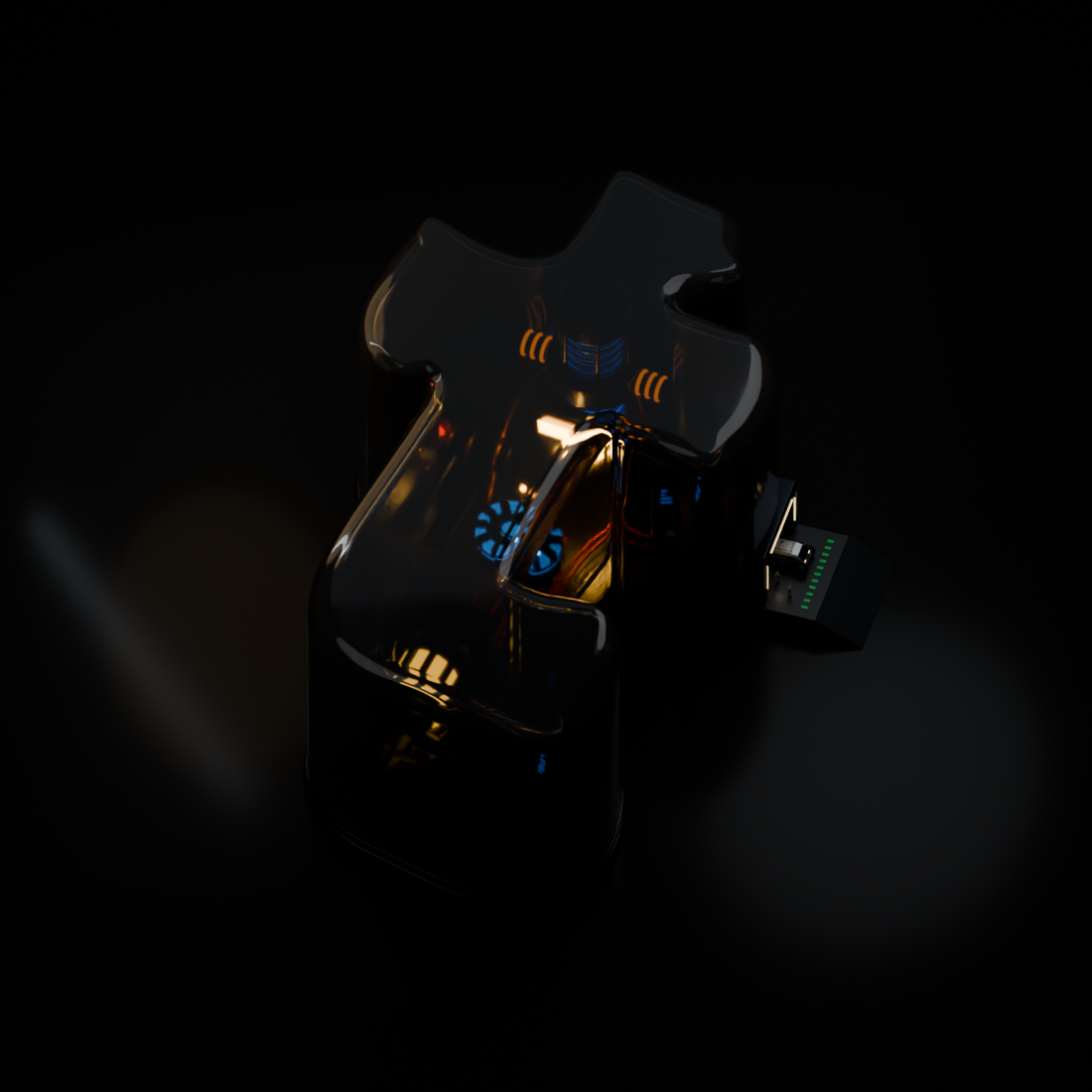
Inside the enclosureThe movie’s mechanical t becomes a taller engine room enclosed in glass. Supplied Arc Reactor and Stinger geometry joins a warp-inspired assembly. An open hangar, a miniature expedition truck, and three crew establish scale. “Original movie” shows the supplied reference.
Follow the lightA steady amber glow lights the glass from within. Blue energy rises and falls through the tall core over eight seconds. The small arc reactor stays still and gently glows; the lower turbine turns. Exposure and shell opacity adjust the interactive 3D view.
Explore by handDrag to turn. Inline touch leaves vertical scrolling and browser pinch zoom available. Inspect opens more room: drag to turn, pinch or wheel to zoom, and use two fingers or a right-button drag to pan. With the canvas focused, arrows turn, +/− zoom, Shift+arrows pan in Inspect, and R resets. Views and Adjust offer buttons for the same actions. Space pauses the light.
Film & real-time renderingThe opening film circles the model and enters through the hangar. Explore in 3D opens the interactive model; “Cycles render” shows the Blender still. The interactive view uses physical materials, environment reflections, shadow maps, and bloom on WebGPU or WebGL 2. Playback pauses offscreen. Reduced motion starts on an illuminated frame; Replay runs one cycle.